Use case · Internal knowledge base
Internal knowledge base chatbot for your team's documents and wikis
Chyt.ai builds an internal knowledge assistant from the tools your team already writes in, including Notion, Confluence, Google Drive, SharePoint and uploaded documents. Staff ask a question in plain language and get an answer grounded in those sources, with citations to check. You can require sign-in on the chat page, deploy to Slack or Microsoft Teams when configured, and manage access with workspace roles and audit logs.
Who it is for: Operations, HR, IT and enablement leads at growing companies whose answers are spread across wikis, drives and people's heads
The problem
Knowledge is spread across too many tools
Policies in a drive, processes in a wiki, product details in tickets, decisions in chat threads. Each tool has its own search, and staff have to know where something lives before they can find it.
The same people answer the same internal questions
HR, IT and senior colleagues field repeat questions about leave, expenses, access and how things are done. It interrupts their work, and new joiners wait for answers that are already written down.
Internal content is not meant for everyone
An assistant that knows your internal policies should not sit on an open link. Teams need control over who can open the chat, who can change its sources, and a record of what was changed.
How Chyt.ai solves it
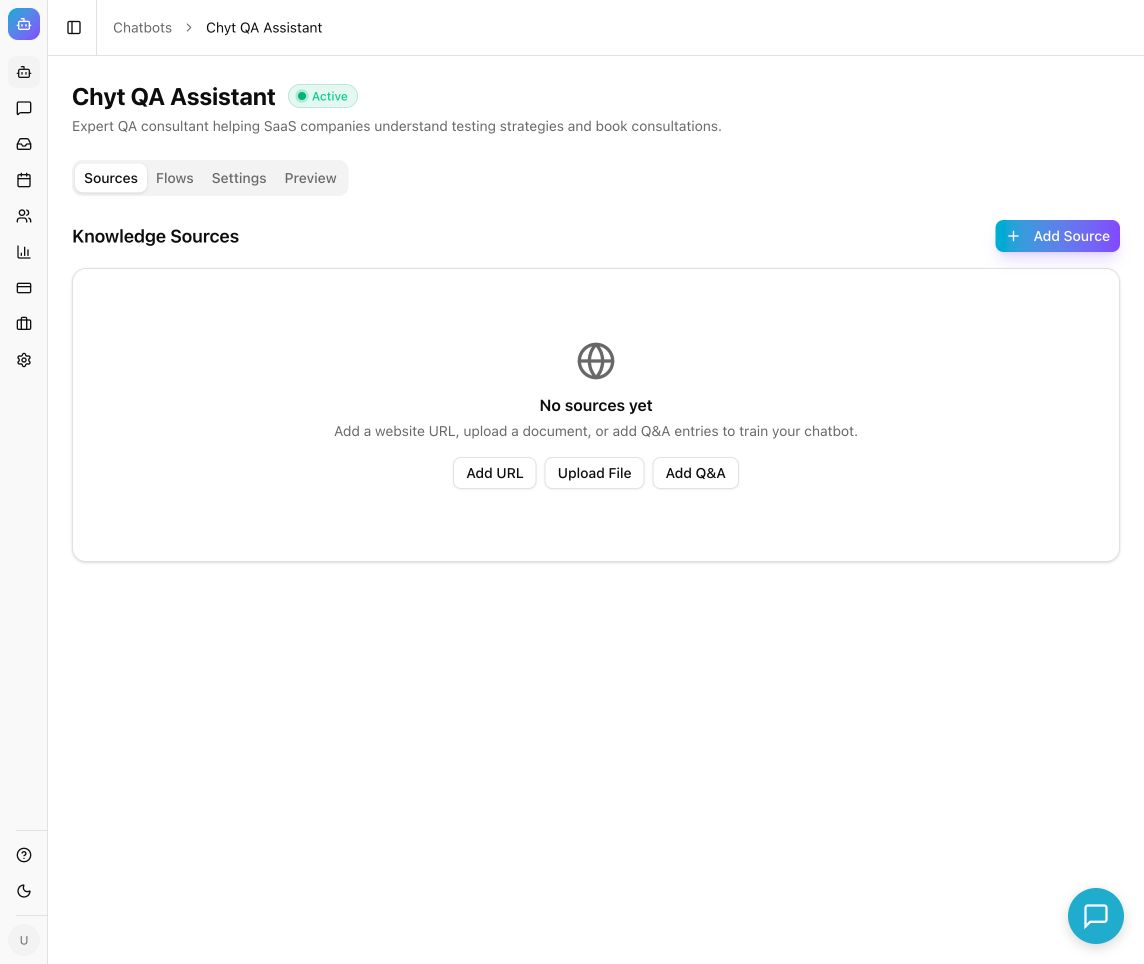
Connectors for the tools you already use
Import from Notion, Confluence, Jira, Google Drive, SharePoint or OneDrive, Dropbox, GitBook, YouTube transcripts or a REST API, subject to provider setup, your account's permissions and plan eligibility. Narrow each import with a root page, space key, project key, JQL query or folder path. Notion, Confluence, GitBook and REST API sources offer a sync schedule; SharePoint and Dropbox are manual imports.
Read the guideHandbooks, policies and spreadsheets as documents
Upload PDF, DOCX, TXT, CSV and XLSX files of up to 50 MB each for handbooks, policies and reference tables. When a policy changes, upload the new version, verify the answer in the preview, then remove the old file so the assistant does not mix the two.
Read the guideAnswers staff can verify
Chyt.ai retrieves the relevant passages with hybrid vector and keyword search plus reranking, then answers from them with source citations. Retrieval settings such as the number of results and the similarity threshold can be tuned against a small set of test questions.
Read the guideSign-in on the chat page, and Slack or Teams when configured
End-user authentication has an advanced mode with email and password or Google sign-in, a switch for new user registration, and the option to turn off anonymous fallback so sign-in is required. Visitor verification and message limits add a further safeguard. Slack and Microsoft Teams channels can be connected when they are configured and available for your plan and workspace.
Read the guideWorkspace roles and audit logs
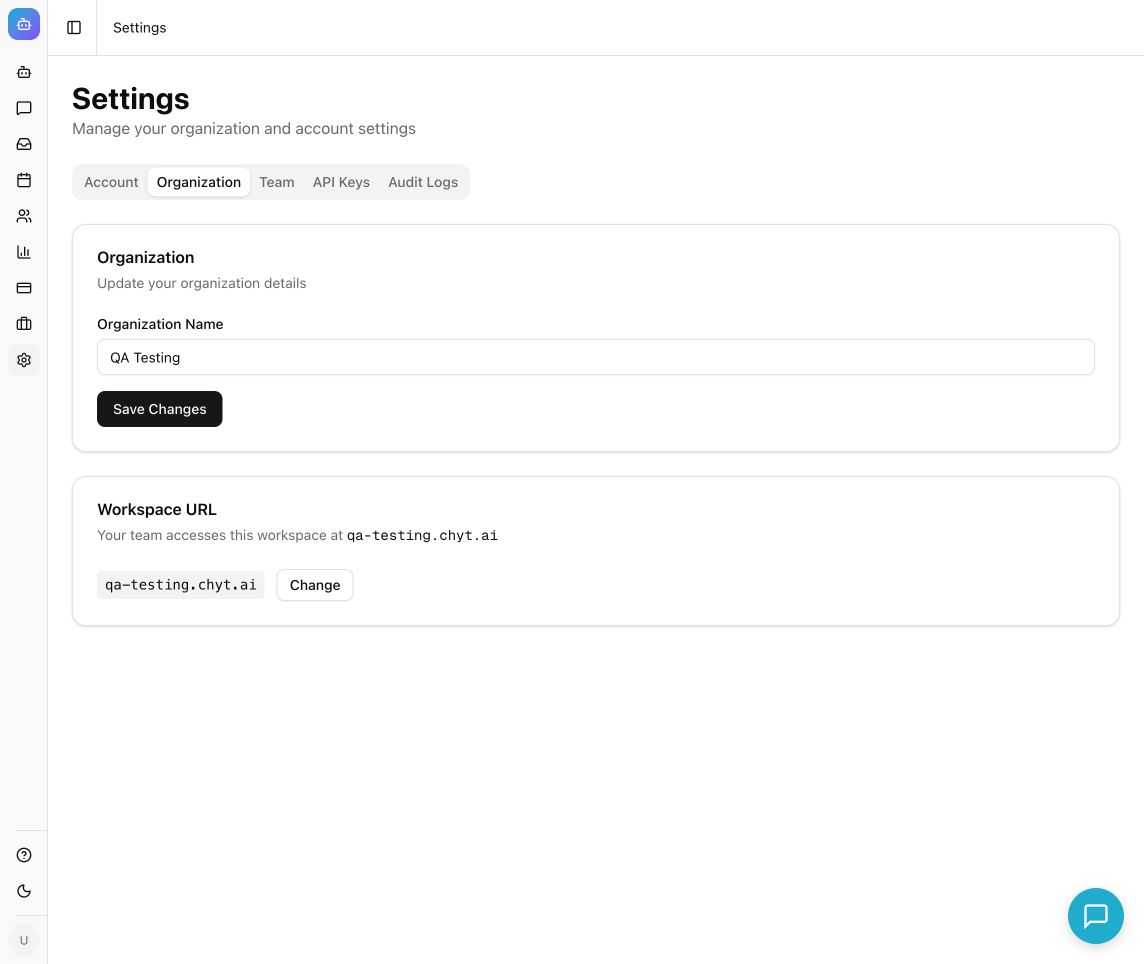
Invite teammates as Admin, Member or Viewer so only the right people manage sources and settings. Audit logs record events such as logins, configuration changes, source additions, deployments, API key activity and member invitations, with filters and export.
Read the guideWhat the conversation looks like
An illustrative example. Your assistant uses your own content, wording and flows.
- Visitor
How many days of casual leave do I get, and can I carry them over?
- Assistant
Full-time employees receive 12 days of casual leave per calendar year. Unused casual leave does not carry over, although earned leave can be carried forward up to the limit in the policy.
Answer grounded in your uploaded leave policy PDF, with a citation - Visitor
What is the process for claiming a client dinner on expenses?
- Assistant
Submit the receipt in the expenses tool within 30 days, select the Client entertainment category and add the client name. Claims above the limit in the finance handbook need your manager's approval first.
Answer cites the Finance handbook page imported from Confluence - Visitor
Who approves a laptop upgrade request?
- Assistant
I could not find that in the documents I have access to. The IT equipment policy covers new joiner laptops but not upgrades, so please check with the IT helpdesk.
No supporting source found. Unanswered questions like this can surface as knowledge gaps in analytics
Set it up in 5 steps
- 1
Choose the audience and the content that fits it
A chatbot answers from all of its sources for anyone who can open it, so decide who the assistant is for first. Create separate chatbots for content with different audiences, for example one for all staff and one for the finance team.
- 2
Connect sources with a narrow scope
Use a read-only token or account, restrict the import to the relevant space, folder or project, and wait for each source to show Ready. Add documents and Q&A pairs for anything the wikis do not cover.
- 3
Test with real staff questions
Ask the questions HR and IT hear most often, check every answer against its cited source, and try questions the content does not cover. Fix the source first, then tune retrieval one setting at a time.
- 4
Set access before you share the link
Review the chatbot's public access setting, choose the end-user authentication mode, and decide whether anonymous fallback stays on. Invite colleagues to the workspace with the lowest role that lets them do their job.
- 5
Deploy where your team works and keep it current
Share the hosted chat page, embed the widget in your intranet, or connect Slack or Microsoft Teams when available. Review knowledge gaps in analytics and sync history on each source to keep answers up to date.
Inside the product
What it means for the business
One place to ask, whatever tool the answer lives in
Staff ask in plain language and get an answer with its source, without knowing which wiki or folder to search.
Fewer interruptions for HR, IT and senior colleagues
Routine questions are answered from the written policy, and the people who used to answer them get time back.
Faster onboarding
New joiners can ask about policies, benefits and processes at any time, and follow the citation to the full document.
Documentation that improves from real questions
Knowledge gaps and topic clusters show what staff ask that nobody has written down yet.
Frequently asked questions
- What is an internal knowledge base chatbot?
- An internal knowledge base chatbot is an assistant that answers employees' questions from the company's own documents, wikis and policies. Chyt.ai builds one using retrieval-augmented generation over sources such as Notion, Confluence, Google Drive, SharePoint and uploaded files, so each answer is grounded in your content and shown with citations.
- Which tools can Chyt.ai import internal knowledge from?
- Chyt.ai supports Notion, Confluence, Jira, Google Drive, SharePoint and OneDrive, Dropbox, GitBook, YouTube transcripts and REST APIs, alongside website crawls, Q&A pairs and PDF, DOCX, TXT, CSV and XLSX uploads. Connector availability depends on provider setup, your account's permissions and plan eligibility, and SharePoint and Dropbox imports are manual rather than automatically synced.
- Can I restrict who uses an internal Chyt.ai chatbot?
- Yes. Chyt.ai's end-user authentication has an advanced mode with email and password or Google sign-in, and you can turn off anonymous fallback so that sign-in is required. You also control the chatbot's public access setting and whether new users can register. A chatbot answers from all of its sources for anyone who can open it, so use separate chatbots for content meant for different audiences.
- Does Chyt.ai work in Slack and Microsoft Teams?
- Chyt.ai has Slack and Microsoft Teams channels that can be connected when they are configured and available for your workspace. Slack is included from the Starter plan and Microsoft Teams starts on Pro. The channel card in the dashboard shows current availability before you begin setup.
- What roles and audit controls does a Chyt.ai workspace have?
- A Chyt.ai workspace has an owner and lets you invite teammates as Admin, Member or Viewer. Audit logs record events including logins, configuration changes, source additions, deployments, API key activity, member invitations and billing, and the filtered records can be exported. The log helps you investigate activity; it is not a complete security assessment.
Try it with your own content
Build a demo assistant from your website or files in minutes. Flat monthly pricing, never per message.
Related use cases
Customer support
Chyt.ai answers support questions from your help centre, website and documents with citations, and hands over to your team in a live inbox when needed.
ExploreGuided flows (no AI)
Build scripted, auditable chatbot journeys in Chyt.ai's flow builder. Fixed wording, button choices, zero AI credits, and unlimited on every active plan.
ExploreLead generation
Chyt.ai qualifies website visitors with guided question flows, saves consented leads to a dashboard with stages, and hands ready buyers to your sales team.
ExploreFurther reading
What is a RAG chatbot? Retrieval-augmented generation explained
A plain-language guide to RAG chatbots: chunking, embeddings, hybrid search, reranking and cited answers, how RAG reduces hallucinations, and its limits.
7 min readGuidesHow to turn your website into an AI chatbot in minutes
A step-by-step guide to training an AI chatbot on your website content: crawl your pages, add documents, test answers, customise the widget and embed it.
7 min readFlows & automationDeterministic vs AI chatbots: when to use each (or both)
Deterministic chatbots follow fixed flows; AI chatbots generate answers from your content. Compare cost, control and fit, and learn how to combine both.
6 min read